
Top 10 Best Random Video Chat Sites
Published 2026-09-22 · Updated 2026-10-25
The best random video chat sites for you depend on whether you want guest entry, shared interests, translation or a choice of conversation modes. This guide compares 10 options by those differences, browser access and controls. GoLive's 1v1 chat page describes its 200 free coins registration offer; other entries cover options such as interests, translation and guest entry. The guide uses official information to help you build a shortlist. GoLive Chat is listed first as the publisher of this guide. The numbered order does not establish a performance or safety winner.

Comparison table
| # | Tool | Best for | Key capabilities | Limitations | Access/source status |
|---|---|---|---|---|---|
| 1 | GoLive Chat | Comparing a registration offer | Browser without installation; optional Android app | The welcome offer concerns new accounts | New registrations; official GoLive website [1] |
| 2 | Chatroulette | Country-based discovery | Partner-photo selection; country filtering | A selected country does not guarantee a particular language | FAQ describes starting without an account; official source [2] |
| 3 | Emerald Chat | Shared-topic introductions | Interest matching; individual and group channels | Account creation is required | Account and preference details in the official FAQ [3] |
| 4 | OmeTV | Translation and social options | Message translation; profiles and friends | Specifying your gender is different from filtering partners | Account entry explained in the official FAQ [4] |
| 5 | Monkey | Web and Android access | Browser routes; video and text options | Social account entry is described | Device and account information on the official website [5] |
| 6 | Azar | Guided introductions | Recommendation-based matching; preference controls | Recommendations do not guarantee compatibility | Entry and preference conditions on the official website [6] |
| 7 | Chatspin | Inspecting chat controls | Masks, camera blur, Next, Block and Report | Guest access and account extras differ | Official FAQ [7] and control demonstration [8] |
| 8 | CamSurf | Language and location preferences | Browser platform; text alongside webcam video | The homepage does not specify identical filter conditions for browser and Android | Browser and Android routes described on the official website [9] |
| 9 | Nightcap | Guest entry with AI disclosure | Browser video and text; labelled AI companions | Some waiting conversations may be with an AI companion | Basic chat requires no account, according to the official FAQ [10] |
| 10 | Omezy | Choosing a conversation mode | Separate text, voice and video queues | Interest matching can widen beyond a chosen topic | Guest and signed-in modes explained on the official website [11] |
How we evaluated the tools
This guide compares the official information referenced below against four criteria you can apply yourself.
Entry and accounts
- Access route: Check whether the website describes browser entry, an app, or both.
- Then identify the route for your device instead of assuming an app listing also describes the website.
- Account requirement: Check whether registration is part of entry and what a guest option covers.
- Considering whether you want a profile or continuing contacts before choosing a login method.
Conversation and controls
- Conversation mode: Look for typing, voice, individual video or a group channel.
- Keeping the distinction between a standalone text route and a text box beside a video window in mind.
- Visible controls: Read how to leave, report or adjust presentation so you know which documented functions to inspect.
- Keeping their presence separate from any assessment of enforcement quality.
GoLive's entry uses three publisher-confirmed facts: its registration offer, browser access and optional Android app. Competitor features remain separate from those facts. Device routes and account options should be considered separately when choosing how to enter.
Scope of this comparison
The comparison does not measure connection speed, partner availability, call quality or moderation effectiveness. Each entry instead explains its reason for inclusion and a boundary to consider alongside its features. Use these differences to decide which entry route and conversation format suit you before considering the other options.
1. GoLive Chat
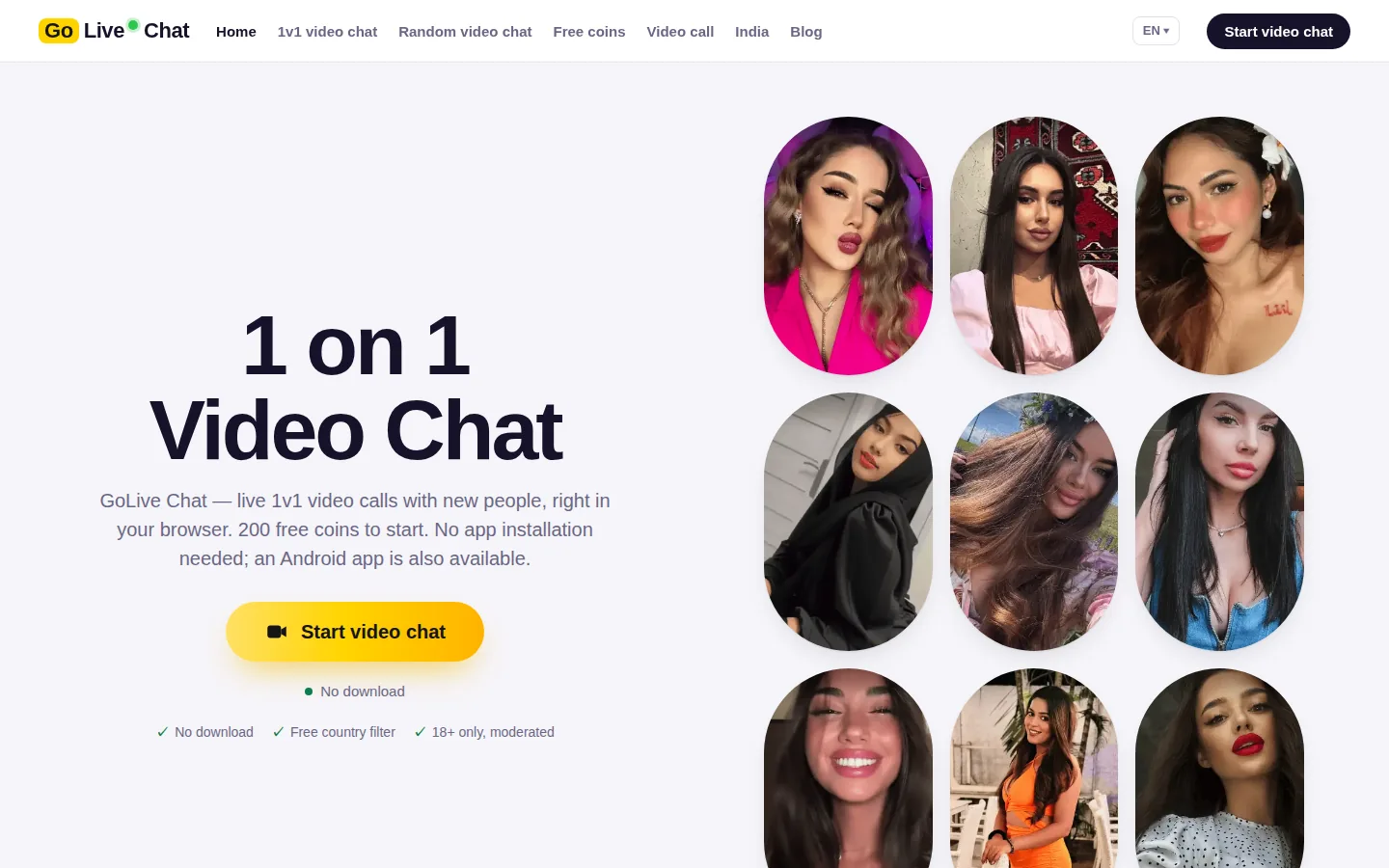
Best for: Readers comparing a new-account welcome offer with a browser option. GoLive Chat offers 200 free coins at registration. Browser access requires no app installation, and an optional Android app is identified by the supplied Google Play listing.
-
Why it ranks: GoLive is included for that combination of a stated registration offer and two access routes.
-
A reader who prefers a browser can inspect the offer without making an app installation a prerequisite.
-
Someone who prefers Android has a specific listing to distinguish the intended app from similarly named products.
Limitations: Only registration and access are covered here. No conversation count or duration is specified. Registration: The offer concerns new registrations. Use the GoLive website [1] or its Android listing [12].
2. Chatroulette
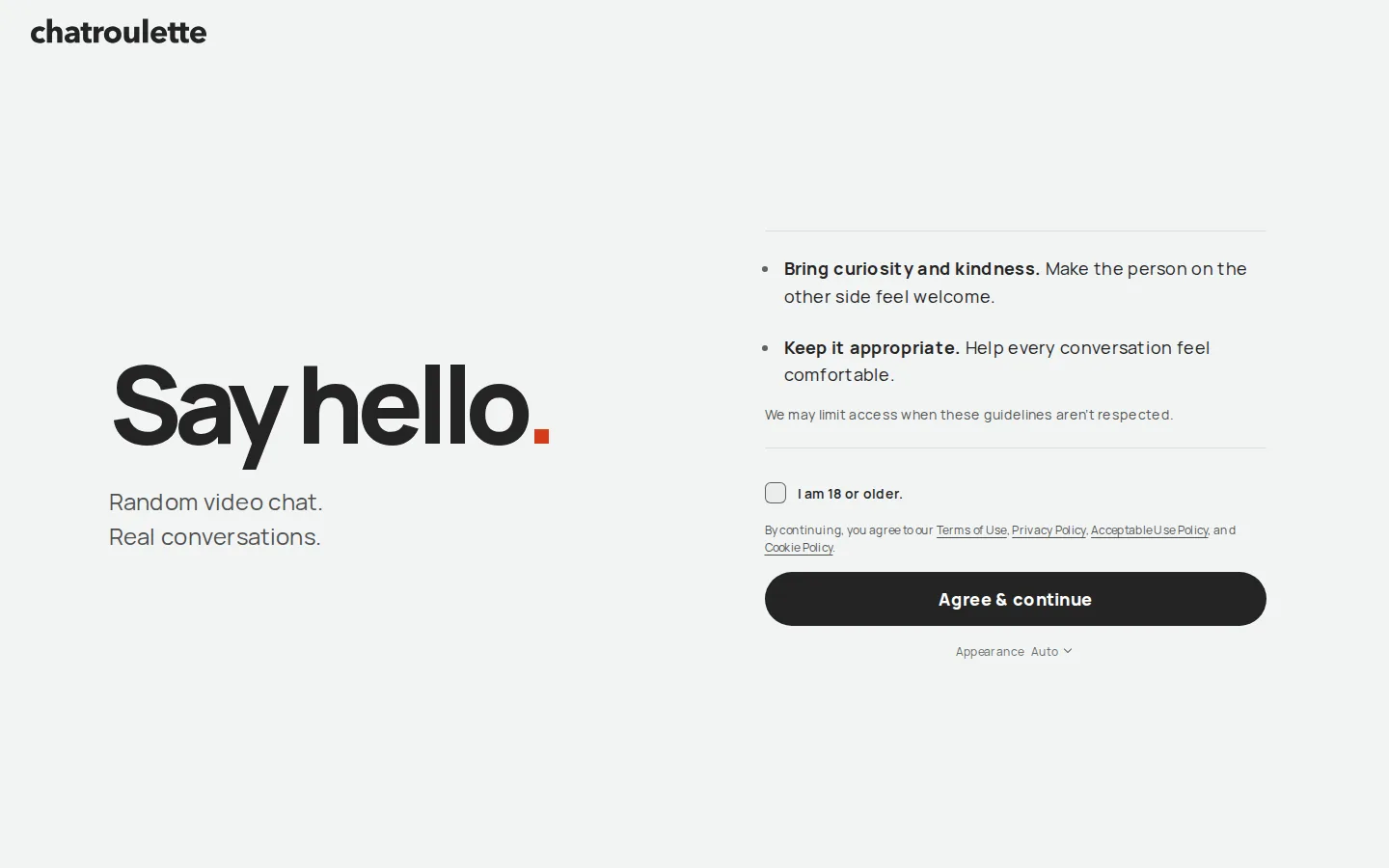
Chatroulette's homepage [2] describes partner photos and agreement from both participants before a conversation begins. Best for: People who want to compare that selection step with country-based discovery.
- Why ranked: Country filtering and the published partner-selection explanation give readers concrete features to compare with a purely automatic encounter.
- Useful distinction: The homepage also describes browser access and mobile apps, so the comparison is not limited to one device route.
- Limitations: A country choice does not establish which language another participant speaks. Read the partner-selection explanation before choosing a country.
- Joining: An account is not required to start, according to Chatroulette's FAQ.
- The same homepage describes browser access and mobile apps, giving readers more than one device route for exploring the partner-selection approach.
3. Emerald Chat
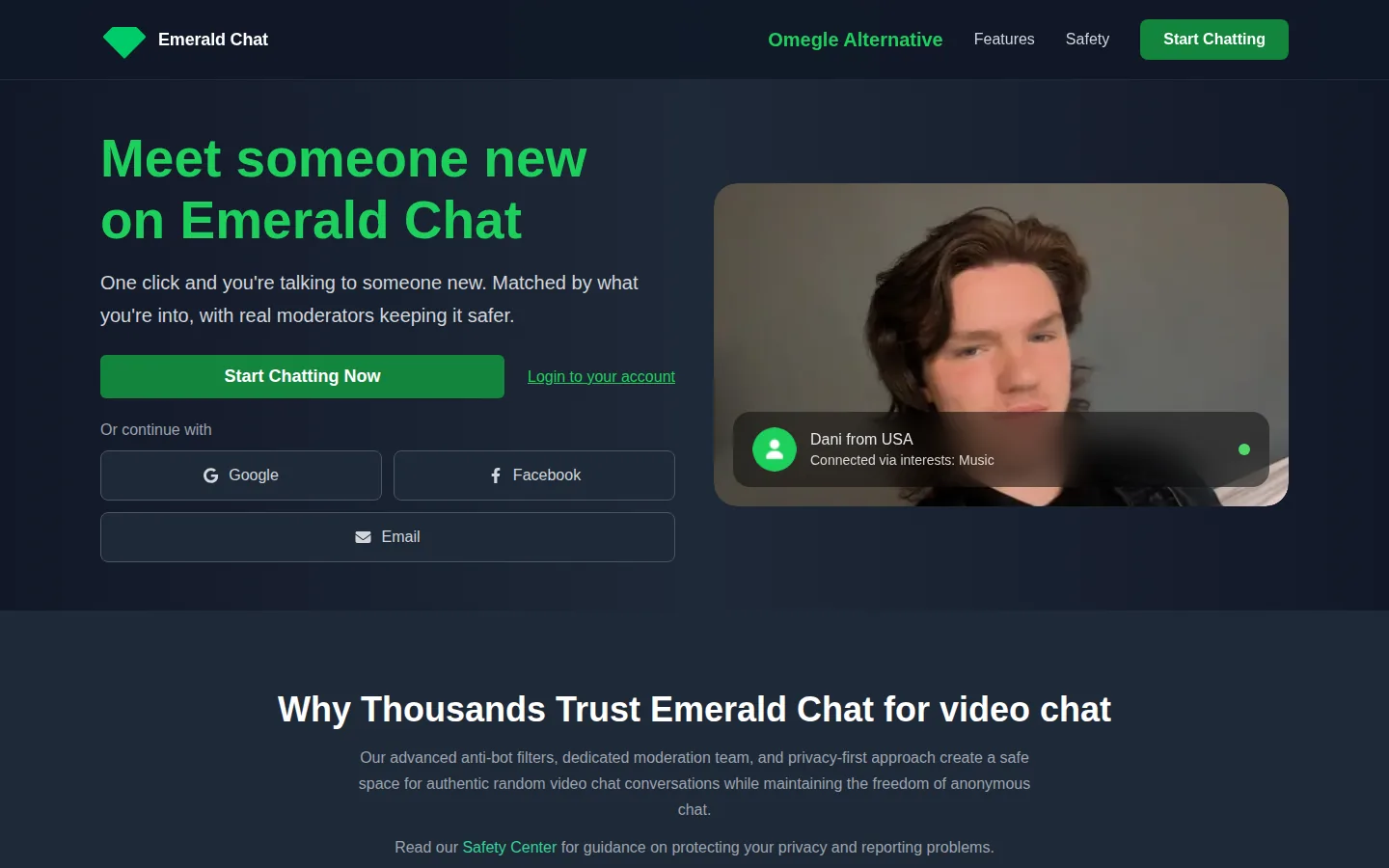
Best for: People who want a shared topic to help start an introduction. Emerald Chat describes interest-based matching, text and video conversations, and group channels. Its FAQ says an account is required.
-
Why it ranks: Interests give a reader something specific to compare beyond the webcam format.
-
Individual conversations and group channels also serve different preferences, while profiles and friends can provide continuity beyond one encounter.
-
Choose the format you actually want rather than assuming every part of Emerald works in the same way.
Accounts and preference conditions
Limitations: Anonymity to other participants does not mean registration can be skipped. Preference filters also have account-specific conditions; a feature appearing on the website does not establish the conditions attached to it. Account and source: Review the account and feature explanations in Emerald Chat's official FAQ [3].
4. OmeTV
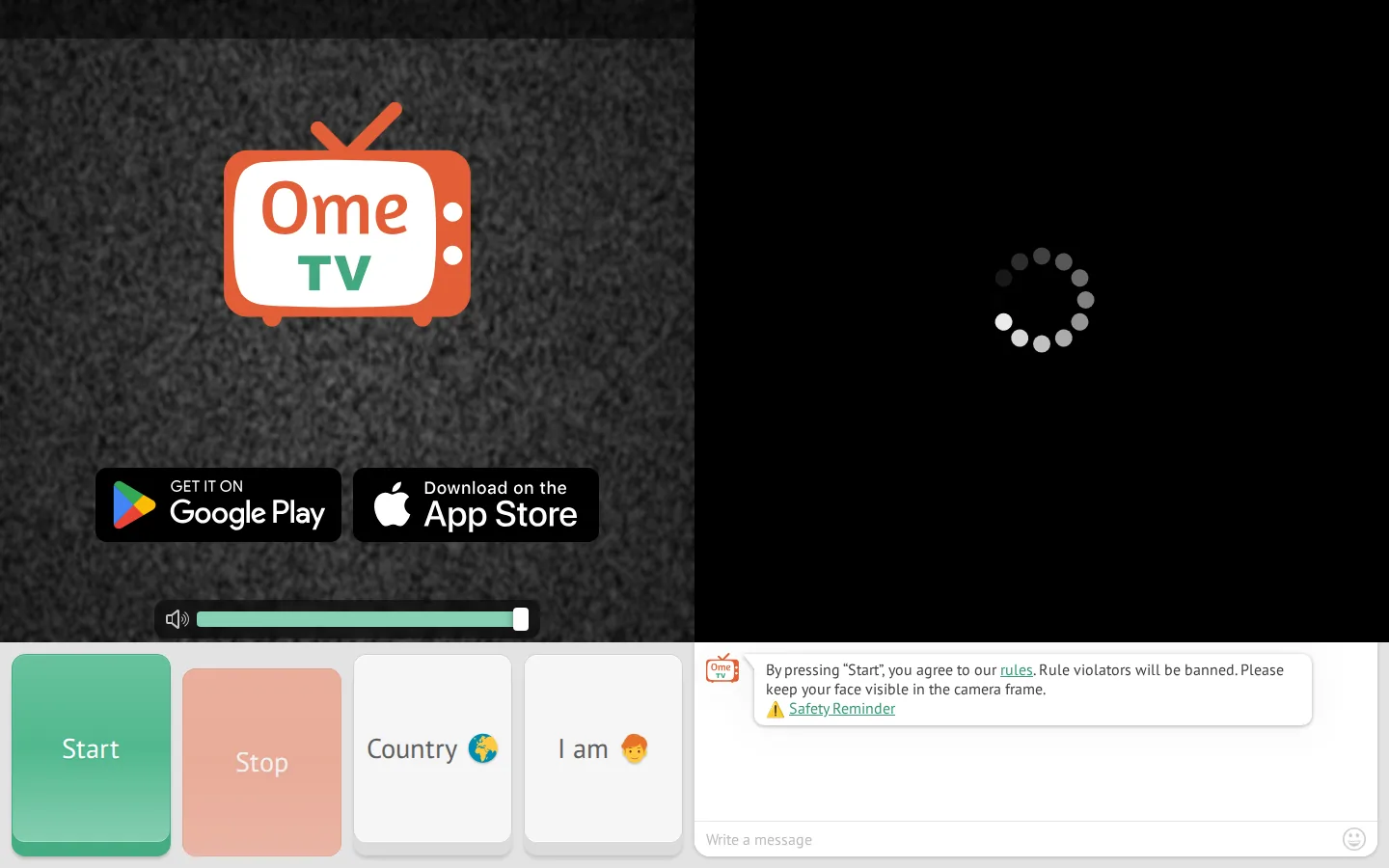
Message translation, profiles and friends are the features that distinguish OmeTV in this comparison. Its FAQ also discusses sign-in, and it presents website and mobile access. Best for: Readers who want to compare written-message assistance with social features.
-
Why ranked: Translation is a concrete communication feature to compare, while profiles and friends add a social dimension beyond an isolated encounter.
-
Account use is therefore relevant even when OmeTV also describes conversations as anonymous.
-
Consider what you want to retain between conversations before choosing an entry route.
Gender settings and translation
Limitations: Specifying your own gender is different from filtering every partner by gender; OmeTV's FAQ distinguishes those concepts. Message translation is also different from finding a partner who speaks your target language. Device access: Use the official FAQ [4] for the sign-in and translation explanations and the OmeTV website for device routes.
5. Monkey
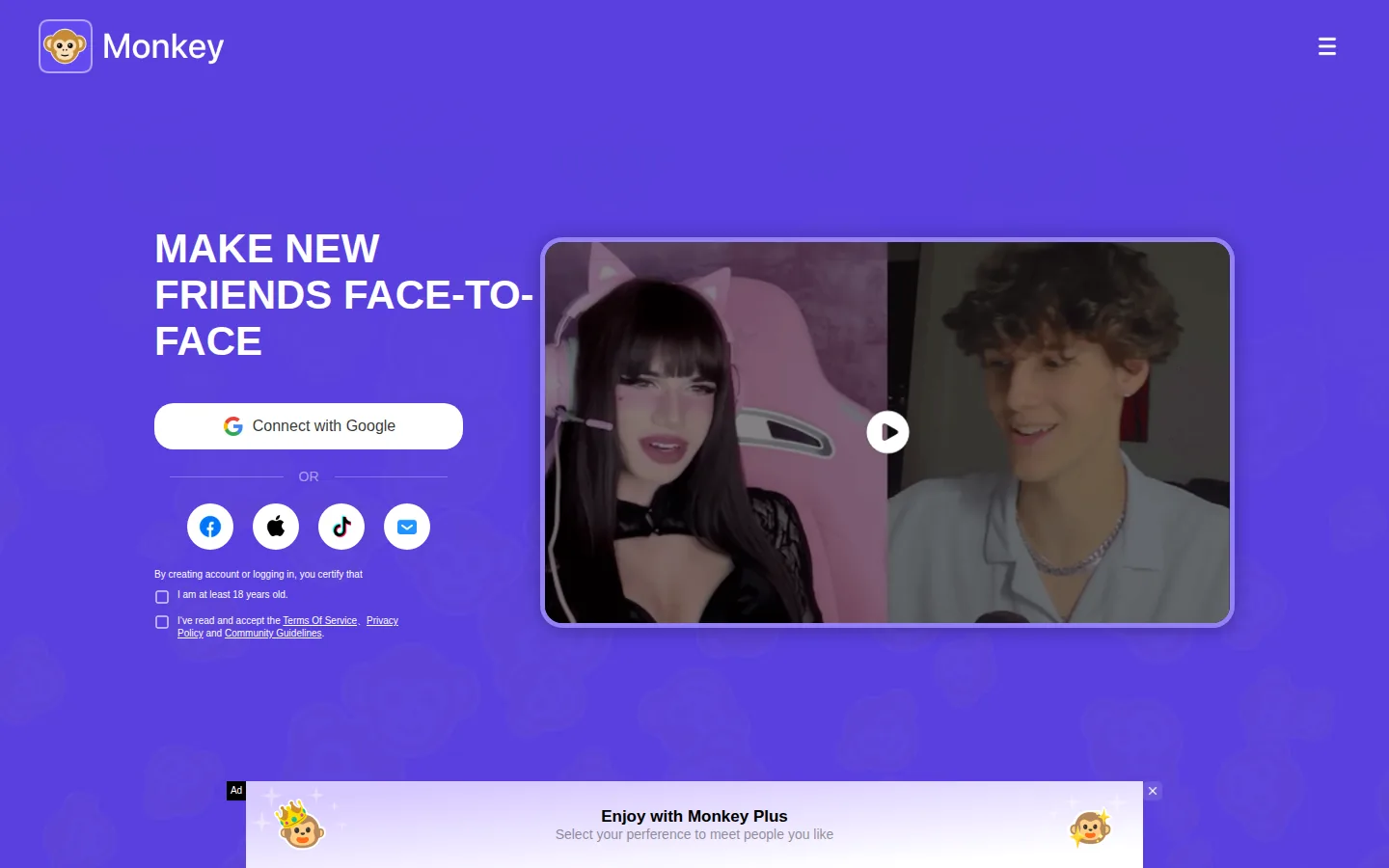
Best for: People comparing web access with an Android app. Monkey's homepage [5] describes video and text options, browser access for desktop and iOS users, and an Android route.
- Why it ranks: The documented device choices let a reader compare how they want to enter without treating a mobile app as the only route.
- Account consideration: Monkey also describes social login. That is a practical difference from options that expressly offer guest entry.
- Limitations: Social login adds an account step; it may not suit someone whose priority is joining as a guest.
- Web and Android access: Monkey's device information distinguishes browser entry from its Android route.
- Social account entry is the deciding constraint if you are comparing it with Nightcap's stated guest option.
6. Azar
Best for: People interested in guided introductions. Azar's FAQ distinguishes its recommendation system from purely random selection and describes preference controls alongside that approach. Azar says its algorithm learns from the kinds of conversations a person enjoyed and seeks similar matches over time.
-
Why ranked: Recommendations change the proposition a reader is comparing: the interest is in directed discovery rather than randomness alone.
-
Azar also describes reporting and MatchBlur in its safety information.
-
Read the matching explanation first, then look at how those controls fit the route you would use.
Recommendations and compatibility
Limitations: A recommendation does not guarantee compatibility. The presence of a preference setting also does not establish its entry conditions, so look at the specific option you intend to use. Entry conditions: Follow the appropriate device route and read Azar's official source for matching, preferences and safety [6].
7. Chatspin
Chatspin's Safety Center [8] demonstrates appearance and exit controls without requiring a live encounter. It also documents browser access and mobile apps. Best for: Adults who want to examine those controls before choosing an entry route.
- Why it ranks: Readers can examine Next, Block and Report alongside camera blur and face masks.
- Those are specific functions, rather than a general privacy label.
- Access distinction: Chatspin's FAQ [7] separates guest entry from account-dependent extras.
- Those conditions belong alongside the preference setting, rather than being inferred from the presence of a button.
- Limitations: A mask changes presentation; it should not be relied on to hide every identifying detail.
- A control demonstration also does not measure enforcement quality.
- Guest access: Browser and app routes are described separately from account extras.
- The Safety Center illustrates the named controls; it is useful for understanding presentation and exit choices before selecting a route.
8. CamSurf
Best for: People interested in language and location preferences. CamSurf's homepage [9] describes a browser video platform and an Android app. Its homepage explains webcam permission, starting a conversation and moving to another encounter with Next.
-
Why ranked: Location and language filtering give readers specific preferences to examine.
-
CamSurf also describes text alongside webcam video, which is useful to compare if typing during a conversation matters to you.
-
Its community reporting explanation provides another part of the entry information to read.
Check the selected device route
Limitations: The homepage describes language and country filters but does not specify whether their conditions are identical on browser and Android. Browser access and an Android app are documented; the presence of both routes alone does not settle which filter conditions apply to your chosen route.
9. Nightcap
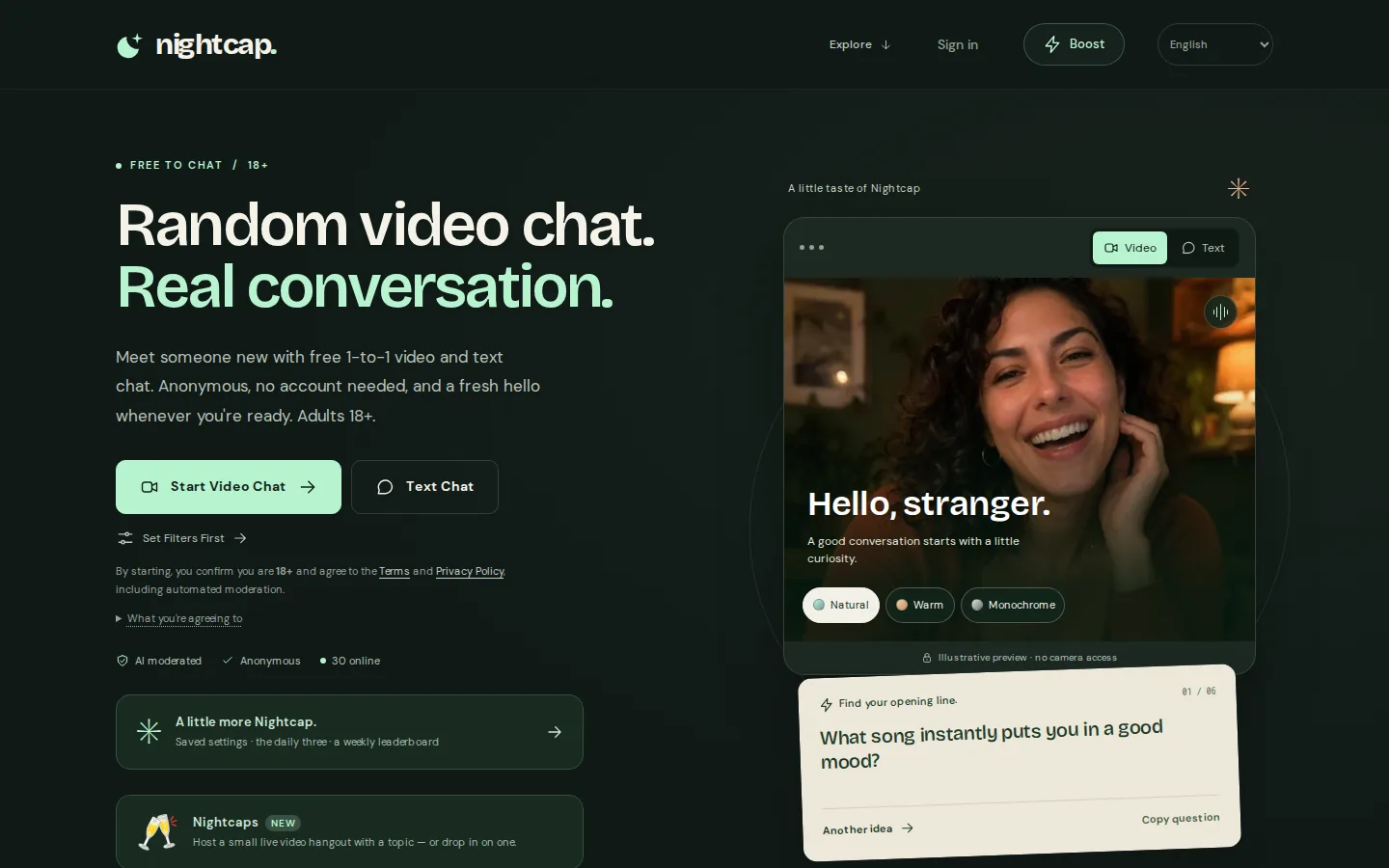
Best for: Adults who want guest entry and a clear AI disclosure. Nightcap's FAQ [10] describes browser video and text chat without an account for basic entry.
-
Why it ranks: Its FAQ explicitly discloses labelled, text-only AI companions while users wait.
-
That is a material distinction when deciding what kind of conversation to expect.
-
Video and text are separate choices, and the website also describes interests, effects and reporting.
Understand the AI disclosure
Limitations: A waiting conversation may be with an AI companion. Guest entry also does not mean Nightcap processes no technical or safety information. Its guest-access explanation and AI notice answer different questions: one concerns an account, while the other identifies the kind of waiting conversation a reader might encounter.
10. Omezy
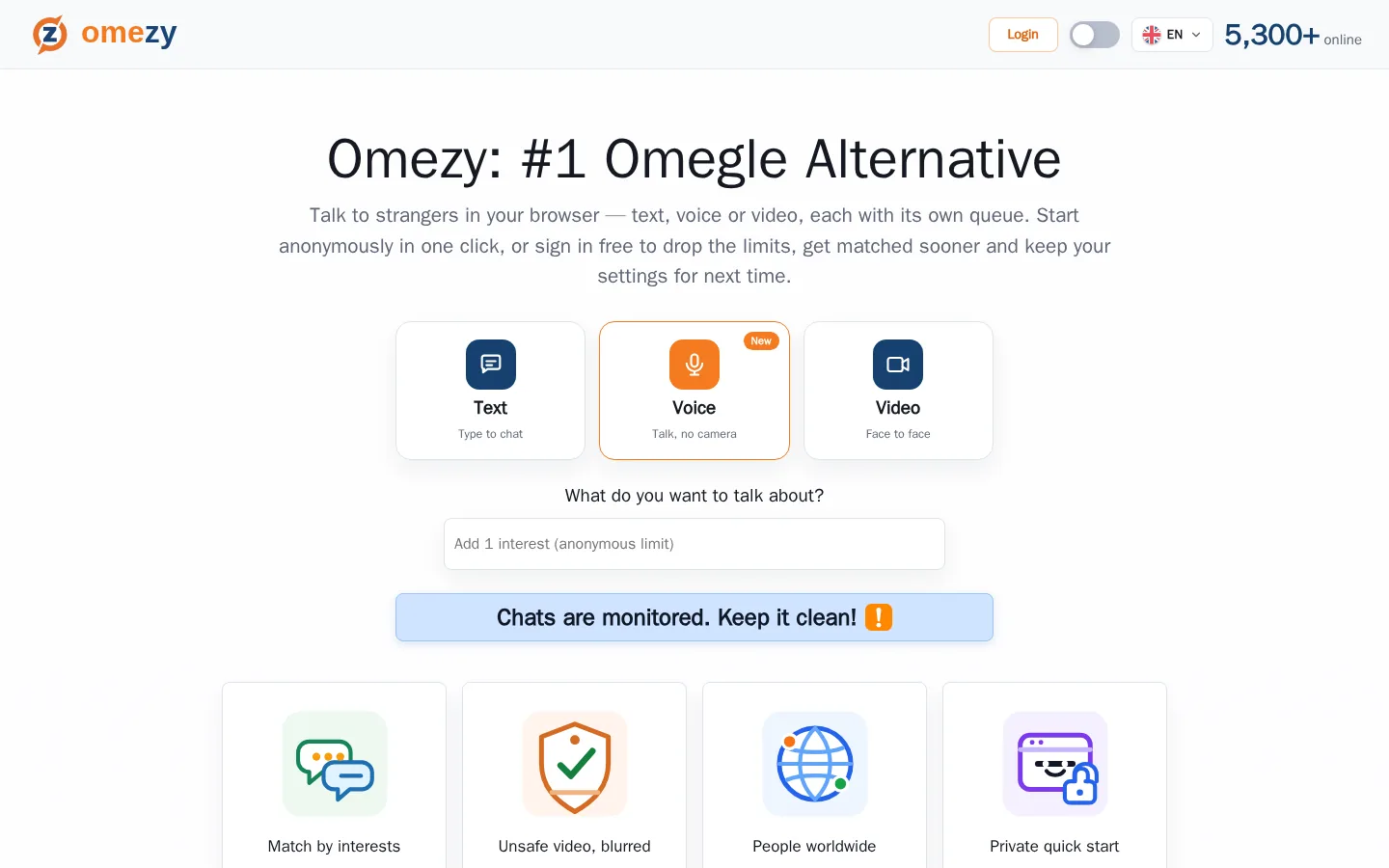
Omezy separates its browser text, voice and video modes into different queues. That makes the conversation format an entry decision. Best for: People who want to choose how to communicate before joining.
- Why ranked: The mode choice gives readers a clear starting decision.
- Voice is a different route from entering a video conversation and deciding whether to show a camera.
- Account consideration: Omezy distinguishes guest entry from signed-in use with saved preferences.
- Limitations: The website says interest matching can widen when a selected topic is unavailable.
- Interests should therefore be treated as guidance, not a guaranteed topic filter.
- Omezy's access explanation [11] distinguishes guest entry from sign-in with saved preferences.
- So an account choice can follow the initial mode decision.
How to choose
-
Pick an access route and check registration. Choose a browser or app route, then read the account requirement.
-
Choose the conversation mode. Decide whether you want text, voice, individual video or a group channel.
-
Locate exit and reporting controls. Find them before sharing personal information.
Emerald Chat's account requirement, Monkey's social login and Nightcap's guest entry illustrate distinct choices. A browser option does not automatically mean registration can be skipped.
The 1v1 video chat guide explains that format. GoLive's 1v1 video call page separately describes its stated browser access and welcome offer.
Avoid sharing an address, workplace, account credentials or payment information. If you cannot find a way to leave or report, stop and read the entry instructions before continuing.
Build a shortlist around one priority
Choose one priority before comparing secondary extras. If guest entry matters most, an attractive preference setting does not remove an account requirement. If keeping contacts matters instead, read the profile explanation before treating a guest route as sufficient. The table gives you an initial shortlist; the individual entries explain which account or mode distinction to examine next.
Camera and microphone permission is a separate choice from registration. Google's Chrome permission guide [13] explains how to review and change website permissions. Read the selected chat operator's own account and data information as well.
Final recommendations
Shortlist by the difference that matters
- Consider Emerald Chat for interest-based options and Omezy for separate conversation modes.
- Compare Nightcap if joining without an account matters, while reading its AI disclosure first.
- Examine Chatspin's control demonstration if you want to understand reporting and appearance options before entering.
GoLive's distinct item in this guide is its 200-coin registration offer and browser/optional-Android access.
For GoLive's own offer and access information, read the official GoLive Chat page.
Sources
FAQ
Does anonymous chat mean no registration?
No. Anonymity to other participants and account requirements are separate. Read the relevant operator's registration explanation.
Does a moderation claim guarantee a safe conversation?
No. A published process does not demonstrate every interaction's outcome. Know how to leave and avoid sharing sensitive information.
Are all partners necessarily people?
Check the operator's disclosure. Nightcap explicitly describes labelled AI companions, including a text-only waiting experience.
Does GoLive's welcome amount establish a calling allowance?
No conversion is established here. The confirmed offer is 200 free coins for new accounts at registration.
Should I install an app before comparing options?
Start by reading the access information for your device. A browser route and a mobile app can have different entry conditions. GoLive confirms browser access without installation and an optional Android app; those facts describe a choice of access routes.
New users get 200 free coins when they register with GoLive Chat. GoLive Chat works in the browser without installation. An Android app is also available.
Start 1v1 video chat — get 200 free coins