
Safe Websites to Talk to Strangers: A Practical Guide
Published 2026-09-22 · Updated 2026-10-25
Looking for safe websites to talk to strangers starts with checking who operates a service, what information it requests and how to leave or seek help. A label such as “anonymous” or “browser-based” does not answer all three questions. Before choosing a 1v1 chat site, separate its documented access conditions from promises about privacy or other participants. GoLive confirms browser access without installation, an optional Android app and 200 free coins at registration for new accounts. This guide offers a checklist for adult readers; it does not certify any website or claim to have tested its moderation.

Key Takeaways
- Read the operator’s identity, eligibility rules and privacy information before giving a site your details.
- Browser access describes an entry route. It does not establish that no information is stored or that every interaction is safe.
- Look for specific support and reporting instructions rather than treating a safety badge as proof of how a complaint will be handled.
- A coin welcome offer and a site’s safety arrangements are separate matters. GoLive’s stated registration amount is 200 free coins.
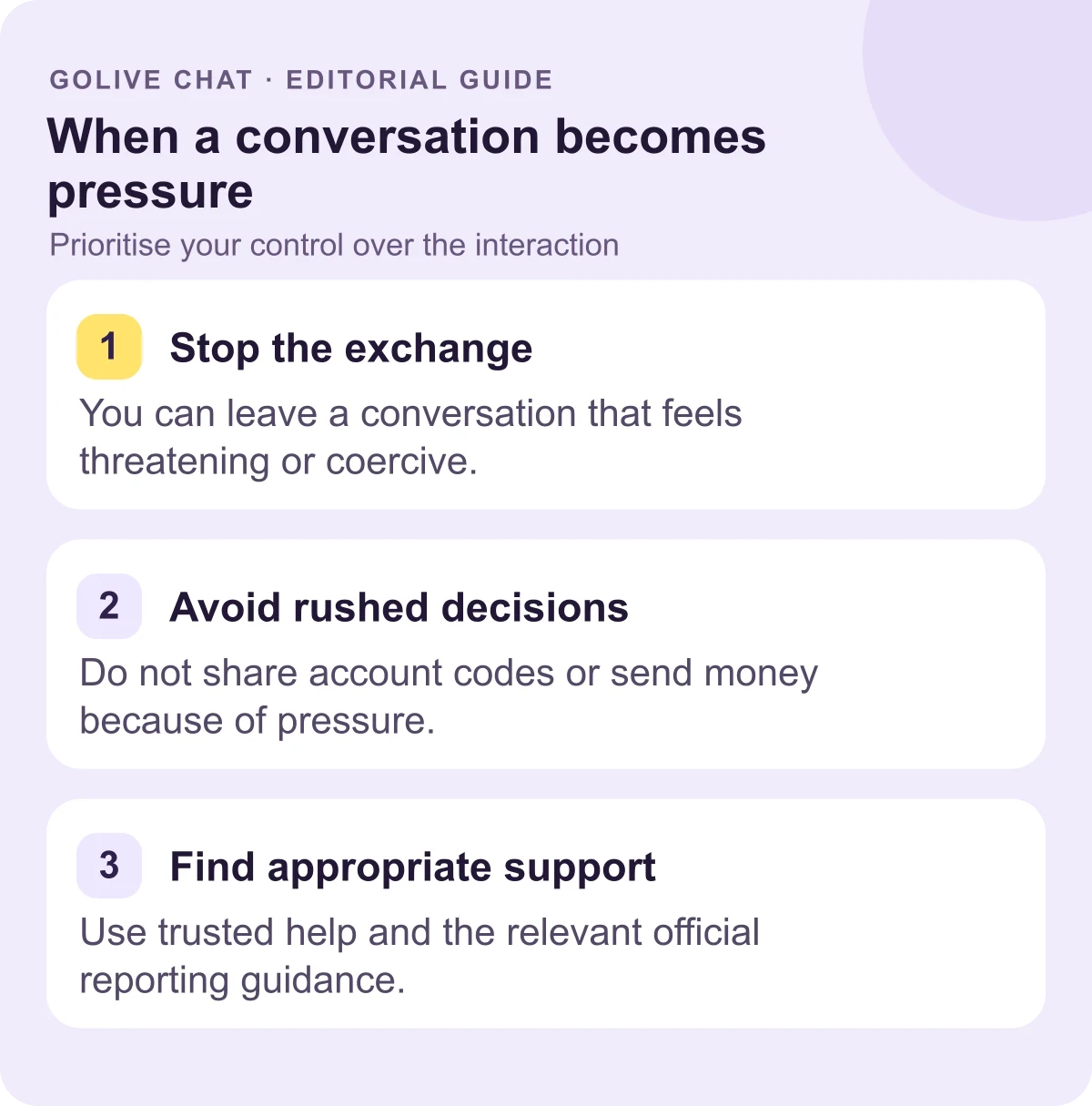
- Leave an uncomfortable interaction. For threats or financial pressure, use relevant official guidance and support rather than negotiating with the person making demands.
Defining Safety Standards for Stranger Chat
There is no single badge or checklist that can establish how every stranger will behave. A useful assessment asks what you can actually verify: the operator’s published identity, the rules that apply to you, the information requested at entry and the available routes for help. The 1v1 video chat guide covers the format separately. Here, the aim is to make an informed decision before disclosing personal information, rather than attach a blanket “safe” label to a service.
GoLive’s confirmed access facts are browser use without installation and an optional Android app [2]. New accounts receive 200 free coins at registration, as described on the welcome-offer page. These statements identify an entry route and an offer. They are not measurements of identity checks, complaint response times, data retention or moderation effectiveness. Apply the same evidence standard to GoLive that you would apply when considering another operator.
Verifying Operator Identity and Site Rules
Begin with the website you intended to visit. A familiar logo, a search advertisement or a domain resembling another brand does not establish the operator’s identity. Read the actual address and use the operator’s own links when checking an app listing. A domain record can be another reference point, but a recent registration, an old registration or privacy-protected contact details do not by themselves prove legitimacy or misconduct.
Establish who is responsible
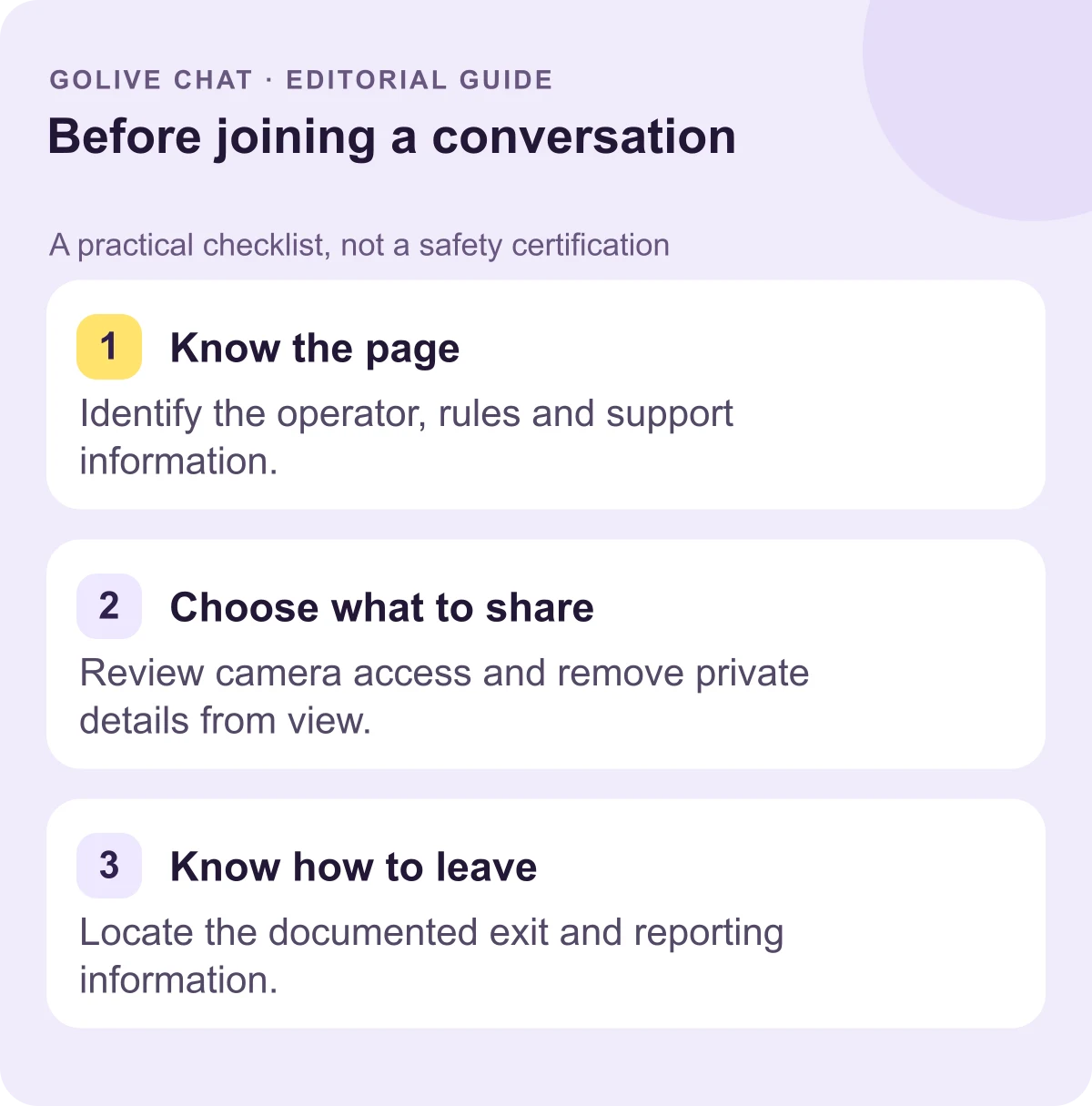
Use the site’s published information to answer these questions before registering:
- Who operates it? Look for an identified business or responsible operator, contact information and applicable terms. If the details are missing or inconsistent, pause rather than fill the gap with an assumption.
- Who is eligible? Read the current minimum-age and location conditions. A checkbox is not evidence that another participant’s identity has been verified.
- What account information is requested? Distinguish a visible display name from an email address or other information given to the operator. Guest access does not mean that no technical data is processed.
Keep the answers separate. Registration does not by itself prove accountability, and a long policy does not by itself prove good practice. The useful question is whether the information is specific, coherent and relevant to the service you are considering.
Find the route for help
- Read the conduct rules. Look for an explanation of unacceptable behaviour and how complaints are submitted. Avoid guessing what a badge or a “moderated” label means.
- Locate support before you need it. Find an actual contact or help page and check that the route is accessible. A published address identifies a channel; it does not guarantee a response or a particular outcome.
- Separate an offer from a safety claim. A welcome amount may matter to an account decision, but it is not evidence of how an operator handles abuse.
For GoLive Chat, use current official access information alongside this checklist. This guide attributes only the confirmed browser route, optional Android app and registration offer to GoLive; it does not present undocumented reporting screens or identity-verification tools as existing features.
Managing Privacy During Live Video Sessions
Consider what the other participant can see or hear separately from what a website or app requests. A camera image may reveal mail, a work badge or a view that identifies a location. An answer in conversation can disclose information that was never entered in an account form. Before sharing, decide whether the detail is necessary and whether you would be comfortable with another person retaining it.
Check the environment and the permission choice
A neutral background can keep unnecessary personal details out of view. Move identifying documents rather than relying only on an effect or a filter. Consider whether another person nearby has agreed to be visible or audible. If you choose to share a screen on any service that supports it, inspect the selected screen or window first; this is general device advice, rather than a claim that GoLive offers screen sharing.
Device permissions are another part of the decision. Firefox’s camera and microphone guide [3] explains how to allow, block and revisit website access. Read the prompt for the site you are actually viewing, and do not assume that a browser choice is always temporary. An installed app has its own permission controls. The route alone does not prove a smaller data footprint or a stronger privacy policy.
The following evidence matrix keeps each documented point separate from a broader safety conclusion:
| Criterion | Documented evidence | Practical check | Source |
|---|---|---|---|
| GoLive access and offer | Official information identifies browser access and 200 coins for new registrations | Read access and offer details without inferring moderation features | GoLive [1] |
| Android entry point | The supplied official Google Play listing identifies the optional app | Use the intended listing rather than a stranger’s download link | Google Play [2] |
| Browser device access | Firefox documents allow, block and permission-management controls | Review the website’s saved camera and microphone choice | Mozilla [3] |
| Financial pressure | FTC guidance identifies urgency and specific payment demands as scam signs | Stop before sending money or financial details | FTC [4] |
Keep personal disclosures deliberate
You can decline a question without giving a substitute identifying detail. Avoid sharing a password, verification code or financial information with someone you have just met. The FTC’s scam guidance [4] describes pressure to act immediately and demands for particular payment methods, including gift cards or cryptocurrency, as warning signs. Stop and check independently rather than responding to urgency.
Moving to another messaging service can expose an additional account or contact detail. It is not proof of a scam by itself, but it deserves a separate decision. You can say no, even after an otherwise friendly exchange. Staying on the original service also does not establish that the interaction is harmless; pay attention to the request and your boundaries, wherever it occurs.
Responding to Threats and Data Risks
If an interaction becomes uncomfortable, leave. You do not need to negotiate, investigate the other person or provide an explanation before stopping. If a message threatens your safety or demands money, move from conversation to help-seeking. The steps below describe general options; the appropriate support route depends on your situation and location.
Stop contact and preserve useful details safely
- End the exchange. Do not send more personal information to demonstrate trust or persuade someone to stop making demands. Seek local emergency help if you are in immediate danger.
- Keep appropriate incident details. Where safe, note the service, displayed account name, relevant address, time and threatening message. Do not stay in an unsafe interaction just to collect more material.
- Use the operator’s documented channel. Find its support or reporting instructions independently. Do not rely on a contact supplied by the person making a threat.
Australia’s eSafety adult-abuse guidance [5] discusses collecting relevant evidence and reporting serious harmful content to the service. Its reporting scheme applies Australian eligibility conditions. Elsewhere, use the relevant local authority or support organisation. Do not redistribute intimate or illegal material as an informal warning to other users; ask an appropriate official support service how to handle it.
Get support for image threats or financial demands
- Do not pay a blackmailer or send more intimate content. This follows eSafety’s image-based abuse guidance [6], which also advises stopping contact. Abuse is not your fault, including when you previously agreed to a conversation or shared an image.
- Ask a trusted person or official service for help. You do not have to manage threats alone. Find support through a known source instead of an unsolicited recovery offer.
The FBI’s sextortion guidance [7] links to resources for adult victims as well as younger people and warns about businesses charging victims for help. Its reporting routes are US-specific. Use an appropriate service for your country; no article can promise that a payment, a block or a report will remove every copy of shared material.
Conclusion
Assess the operator, the information requested and the route for help as separate questions. Keep personal disclosures deliberate, and leave when an interaction crosses your boundaries. For current GoLive access information and its stated 200-coin registration offer, use the official 1v1 video call page. A browser route or welcome offer can inform an account decision, while evidence about safety practices must be evaluated on its own terms.
Sources
FAQ
How do I assess safe websites to talk to strangers?
Check the operator’s identity, eligibility rules, privacy information and documented help channels. Treat those checks as information for a decision, rather than certification that every interaction will be safe.
Is browser access automatically more private?
No. A browser route describes how you enter a service; permissions, stored data and operator practices need their own checks.
Does GoLive require an app download?
GoLive confirms browser access without installation and an optional Android app. New accounts receive 200 free coins at registration.
What if someone pressures me for money?
Stop the exchange and do not act on urgency. Use a known official source or trusted person to help assess the request independently.
Does uninstalling delete an account?
Treat software removal and an account-deletion request as separate actions. Read the operator’s current privacy and account information for its process.
New users get 200 free coins when they register with GoLive Chat. GoLive Chat works in the browser without installation. An Android app is also available.
Start 1v1 video chat — get 200 free coins